

Data center networks are getting faster, denser, and more difficult to manage. As 400G and 800G deployments grow, network cable management is becoming a practical requirement for keeping infrastructure visible, serviceable, and reliable.
For years, the focus was simple: increase bandwidth, reduce latency, and keep infrastructure moving fast enough to support growing workloads. That pressure has only intensified with AI, machine learning, cloud platforms, and high-performance computing. What used to be a high-speed network is now becoming a high-density, high-stakes environment where every connection matters.
400G is already part of modern data center network cabling conversations. 800G is moving quickly into hyperscale and AI infrastructure. The Ethernet Alliance’s 2026 roadmap points to warehouse-scale data centers using a mix of active and passive copper cables, multimode fiber, single-mode fiber, and emerging technologies such as Linear Pluggable Optics to support 100G, 200G, 400G, and 800G deployments.
That shift is not just about faster high-speed network cables.
It is about what happens when speed, density, airflow, identification, and maintainability all collide inside the same rack.
Key Takeaways
- 400G and 800G networks are increasing the density and complexity of data center network cabling.
- High-speed network cables need better organization, labeling, and visibility to remain serviceable at scale.
- Network cable management is becoming an operational requirement, not just a cleanup task.
Why 400G and 800G Change the Conversation
When network speeds increase, the infrastructure around them changes too.
At lower speeds, teams could often get away with less-than-perfect cable organization. A few messy runs, unclear labels, or rushed patching decisions might not create immediate problems. The environment was still manageable because the density was lower and the margin for error was wider.
That is changing.
400G and 800G environments often involve more compact connections, more ports per rack, more fiber, more DAC network cable deployments, and more short-reach interconnects between servers, switches, and storage systems. Cisco has noted that 800G deployment depends on development across optical modules, direct attach copper, and related system-level technologies.
In other words, the cable is no longer just a passive detail in the background.
It is part of the performance equation.
As bandwidth rises, so does the cost of poor visibility. The wrong cable pull, the wrong port trace, or the wrong replacement can create expensive delays. In high-density environments, small mistakes do not stay small for long.
High-Speed Network Cables Are Not the Only Challenge
It is easy to focus on the cable specification itself.
Is it 400G or 800G? Copper or fiber? DAC or AOC? OSFP or QSFP-DD? Passive or active?
Those questions matter. But they are only part of the picture.
The bigger operational question is this:
Can your team still manage the environment once all those connections are installed?
That is where many data centers start to feel the strain. As the number of connections increases, network cable management becomes harder. More cables means more labeling, more routing decisions, more bend-radius considerations, more airflow challenges, and more opportunities for human error.
A high-speed network cable may be technically correct, properly rated, and installed in the right port. But if the environment around it is disorganized, the overall infrastructure still becomes harder to operate.
Speed does not eliminate the need for structure.
It increases it.

The Rise of DAC Network Cable Deployments
Direct attach copper, or DAC, continues to play an important role in short-reach data center connections.
For certain use cases, DAC cables offer practical advantages. They are commonly used for short distances within or between racks, especially where cost, power consumption, and latency matter. In dense AI and cloud environments, DAC can be attractive because many connections are short, repeatable, and performance-sensitive.
But DAC deployments also add their own management challenges.
Unlike thin fiber jumpers, DAC cables can be thicker, heavier, and less flexible. As rack density increases, poorly routed DAC cables can create congestion quickly. They can block airflow, restrict access to ports, and make future changes more difficult.
This is where network rack cable management becomes important.
It is not enough to simply connect the cable and move on. Teams need to think about how those cables will be traced, serviced, replaced, and reorganized over time.
A rack might look acceptable on day one. Six months later, after multiple moves, additions, and changes, the same rack can become a troubleshooting trap.
The Real Problem: Visibility
The biggest issue in high-speed network environments is not always the cable itself.
It is visibility.
- Can your team quickly identify which cable connects to which device?
- Can they trace a connection without disturbing surrounding cables?
- Can they make changes without guessing?
- Can they tell the difference between production, backup, storage, management, and test connections at a glance?
As 400G and 800G become more common, visibility becomes more valuable. The faster and denser the environment gets, the less room there is for uncertainty.
This is where cable labeling becomes more than a small accessory. It becomes part of operational control.
When labels are clear, reusable, and easy to read, technicians can work faster and with more confidence. When labeling is inconsistent or missing, every routine task becomes slower.
That matters because data center work is rarely done under perfect conditions. Maintenance windows are short. Teams are under pressure. Equipment is expensive. Mistakes are costly.
Good labeling reduces guessing.
And in high-density racks, reducing guessing is a serious operational advantage.
How Poor Network Cable Management Impacts Operations
Poor network cable management does not always cause immediate failure.
It usually creates friction.
That friction shows up in several ways.
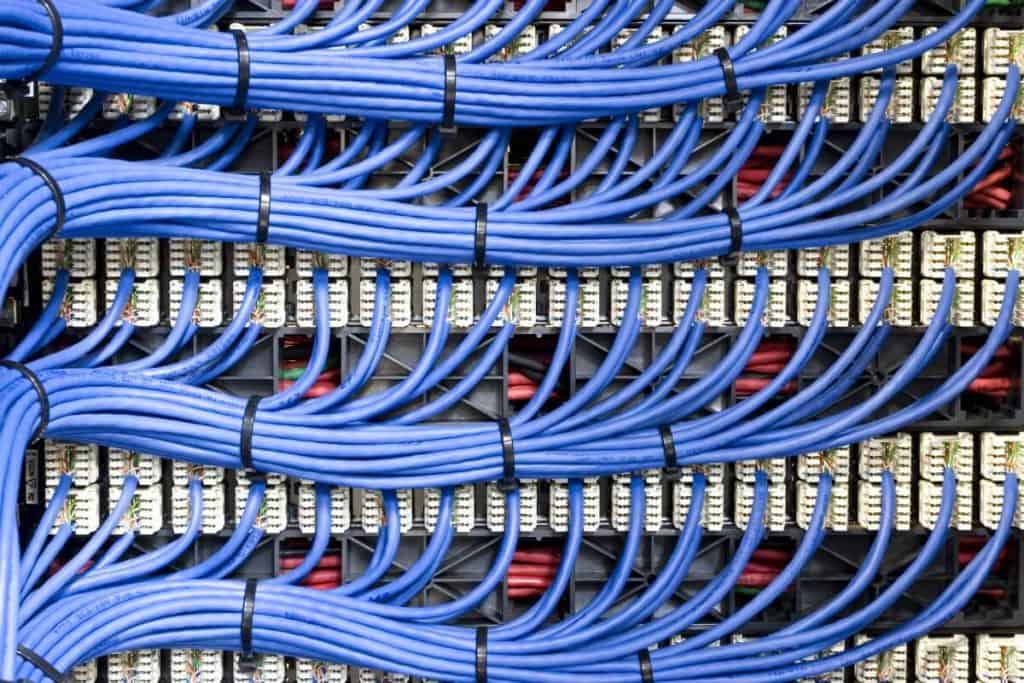
Troubleshooting takes longer because technicians have to trace cables manually. Maintenance becomes riskier because cables are tangled or difficult to isolate. Airflow becomes less efficient because cable bundles block intake and exhaust paths. Documentation becomes less reliable because the physical environment no longer matches what is listed on paper or in software.
Over time, the rack becomes harder to trust.
That is a major problem for data centers moving toward 400G and 800G networking. The faster the infrastructure becomes, the more important operational clarity becomes.
A messy 1G environment is annoying.
A messy 400G or 800G environment is expensive.
Cable Management Is Part of Performance
It is tempting to treat cable management as a visual concern.
Clean racks look better. Messy racks look unprofessional.
But appearance is not the real issue.
The real issue is performance, maintainability, and efficiency.
Good data center network cabling supports airflow. It keeps pathways clear. It reduces strain on connectors. It makes service work more predictable. It helps teams avoid unnecessary downtime. It also makes future scaling easier because the rack still has usable structure.
This is especially important as data centers prepare for even faster network generations. The Ethernet Alliance has already discussed 800G, 1.6T, and future Ethernet speeds as part of the broader roadmap for AI and hyperscale infrastructure.
That means the cable density problem is not going away.
It is only getting more intense.
Why Labels Matter More in High-Speed Environments
Cable labels are easy to underestimate.
They are small. They are simple. They do not have the same appeal as switches, servers, optics, or high-speed network cables.
But in practice, labels help determine how manageable the system becomes.
A good cable label should make identification fast. It should stay attached. It should be readable. It should support changes. In environments where cables are moved, replaced, or repurposed, reusable labels can reduce waste and simplify operations.
This is where products like QuickPinch Cable Labels naturally fit.
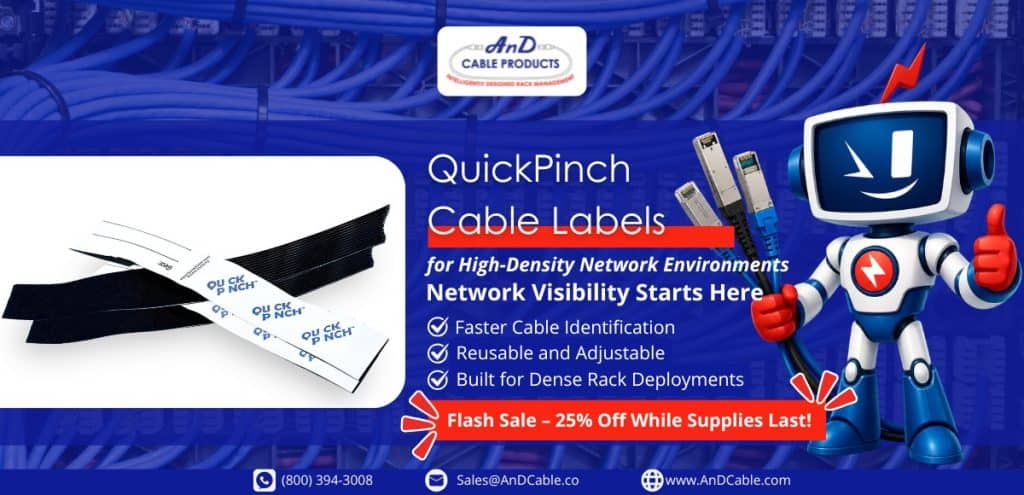
They are not trying to make the network faster. That is not the point.
They help make the network easier to manage.
For teams dealing with dense cable environments, that matters. A simple label can reduce troubleshooting time, prevent wrong-cable mistakes, and make routine maintenance easier. In high-density racks, those small improvements can compound into real operational value.
The Future of Network Cable Management
The next phase of network cable management will not just be about tidiness.
It will be about operational readiness.
As 400G and 800G networks become more common, data centers will need cable environments that are easier to understand, easier to maintain, and easier to scale. That includes:
- Cleaner network rack cable management
- Better labeling and identification
- Clearer separation between cable types
- More consistent routing
- Improved airflow around dense connections
- Better documentation that matches the physical rack
The goal is not perfection.
The goal is control.
Because the more complex the network becomes, the more valuable control becomes.
Where AnD Cable Products Fits In
AnD Cable Products supports data center teams that want to optimize what they already have.
That includes cable managers, labels, ties, network cables, and rack-level products designed to improve visibility, airflow, and operational efficiency. For high-speed network environments, the value is straightforward: faster networks need cleaner infrastructure around them.
400G and 800G may be about bandwidth, but managing them well is about discipline.
The right cable management products help teams reduce clutter, improve serviceability, and maintain visibility as the environment grows. QuickPinch Cable Labels are one practical step in that direction, especially for teams that need reusable cable identification!
FAQ
What is network cable management in a data center?
Network cable management is the process of organizing, routing, labeling, and securing network cables inside racks, cabinets, and pathways. In data centers, it helps improve airflow, reduce troubleshooting time, and make high-density infrastructure easier to maintain.
Why do 400G and 800G networks make cable management more important?
400G and 800G networks often require denser connections, faster interconnects, and more structured routing. As cable density increases, poor organization can restrict airflow, reduce visibility, and make routine maintenance more difficult.
What are high-speed network cables used for in data centers?
High-speed network cables are used to connect servers, switches, storage systems, and other infrastructure that require fast data transfer. In modern data centers, they support AI workloads, cloud platforms, and high-performance computing environments.
What is a DAC network cable?
A DAC network cable, or direct attach copper cable, is commonly used for short-distance connections between data center equipment. It can be cost-effective and power-efficient, but it also needs proper routing and labeling because dense DAC deployments can quickly become difficult to manage.
How do cable labels improve network rack cable management?
Cable labels make it easier to identify, trace, and service connections without guessing. In high-density racks, clear labeling reduces troubleshooting time, helps prevent wrong-cable mistakes, and improves operational visibility.


 Louis Chompff – Founder & Managing Director, AnD Cable Products


